
Choosing the Best GTA 5 Graphics Mod in 2026: QuantV or VisualV?
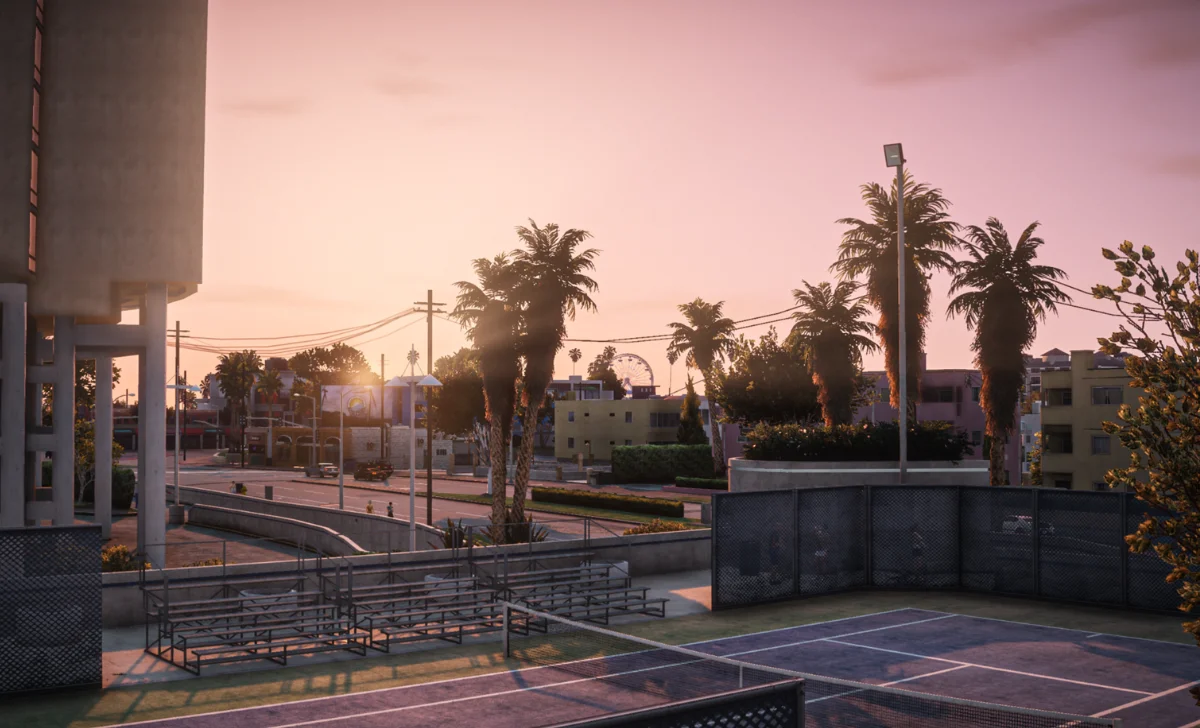
Revisiting Grand Theft Auto V in 2026? A good graphics mod can completely transform your experience. The wrong one, however, can leave the game riddled with texture streaming issues, wonky performance, and brutal FPS drops that will make your game all slow-mo, precisely when you need anything but that.
With dozens of big-name mods out there, only two continue to dominate every debate: VisualV and QuantV. One has remained close to Rockstar’s original vision with clean “vanilla-plus” realism, while the other transforms Los Santos with its cinematic flair. From key features and performance to installation tips, here’s everything you need to know about the best GTA 5 graphics mods, so your GPU doesn’t get wasted.
VisualV: The Gold Standard of “Vanilla Plus”
Let’s start with the OG legend: VisualV. Dropped nearly a decade ago by the dynamic duo Bozbez and CP, this mod remains among the most respected and stable graphics overhauls in GTA 5 modding history. Basically, it’s your benchmark of “vanilla plus” realism.
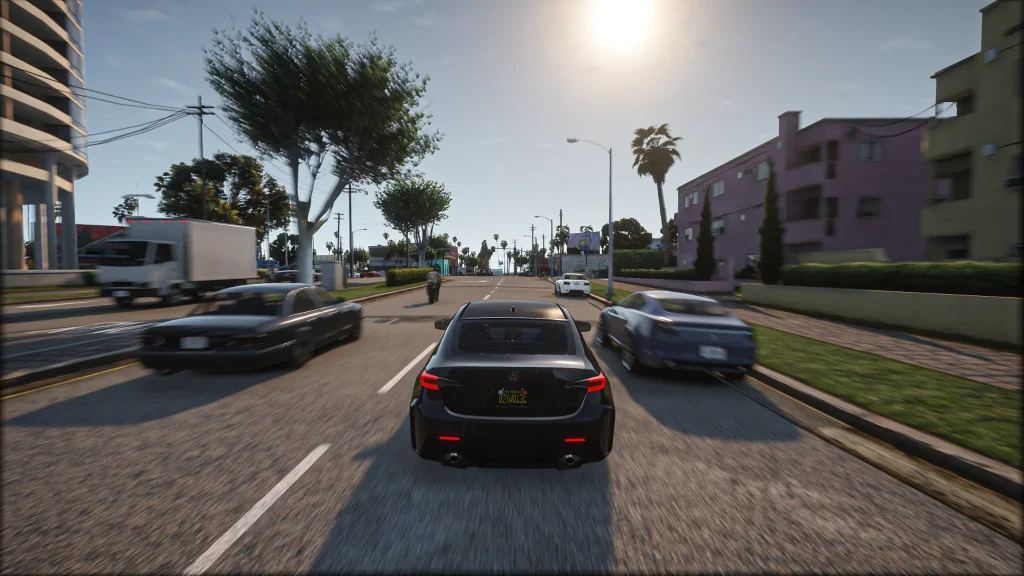
The mod doesn’t transform Los Santos into a different place; it doesn’t really have to. Instead, it kicks out that heavy smog and nasty yellow ‘LA heat’ tint, replacing it all with crisp, neutral colors and improved draw distances. In this mod, they look so clear that you can see from miles away. And with its staple high performance on busy servers, is it any wonder it’s a favorite for FiveM graphics?
Long story short, if Rockstar Games had the hardware of 2026 back in 2013, that’s exactly what the game would have looked like.
Key Features of VisualV
- Weather System Overhaul: Rewrites the weather cycles (time cycles) and removes the artificial fog that was there originally to hide low-detail distant objects. Adds realistic light scattering.
- Night Sky Changes: Fixes the moon’s position and phases, ensures a detailed and clean starfield.
- Optimized Performance: Surprisingly lightweight compared to other mods; it can also boost your FPS by optimizing light and shadow rendering.
- Camera Effects Tweaks: Ditches blur and chromatic aberrations so the skyline stays sharp even from the farthest mountain peaks.
QuantV: The Cinematic Powerhouse
Think of it this way: where VisualV refines, QuantV completely overhauls the game. Created by the developer Quant, this mod doesn’t just enhance but puts GTA 5 through an ultimate makeover — we’re talking intense colors, dramatic lighting, and advanced effects that takes the game to the next level.
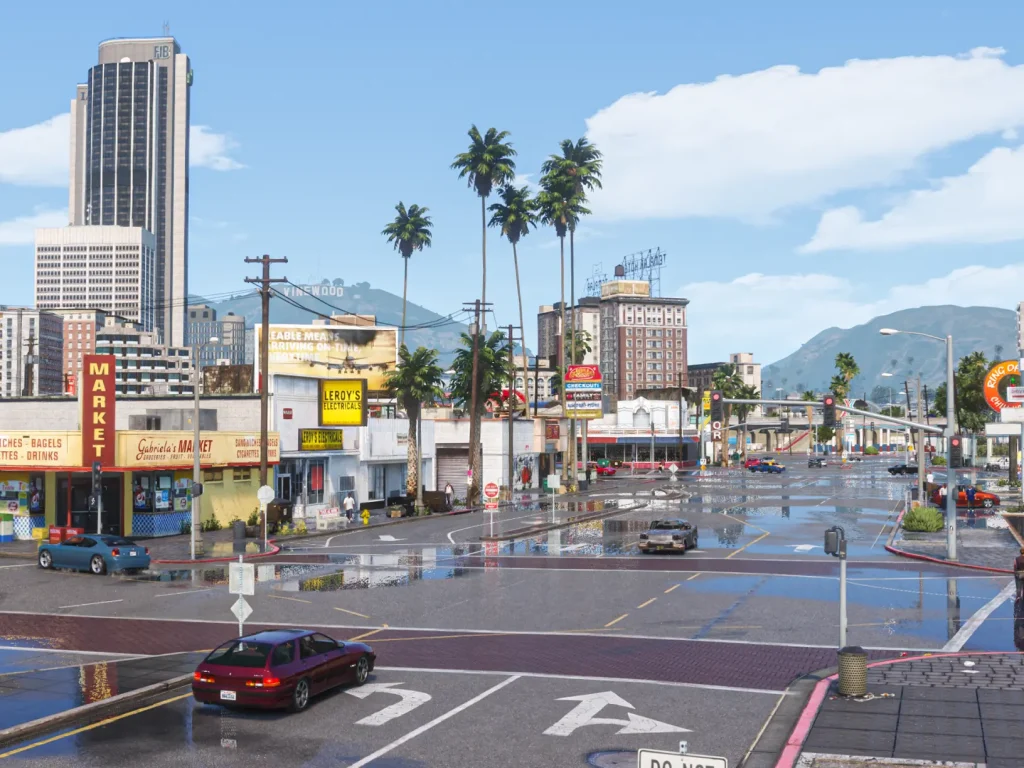
QuantV is instantly recognizable for its “wet” aesthetic: rain-slicked streets with realistic neon reflections. Another standout is volumetric lighting that creates incredibly dense and detailed skies. Not every GPU will handle this, so you’ll need a higher-end rig.
Key Features of QuantV
- Advanced Shaders & SSR: Car paint, glass, and roads get photorealistic reflections. Screen Space Reflections (SSR) do a lot of heavy lifting here, enhancing surfaces and accurately reflecting the surrounding environment.
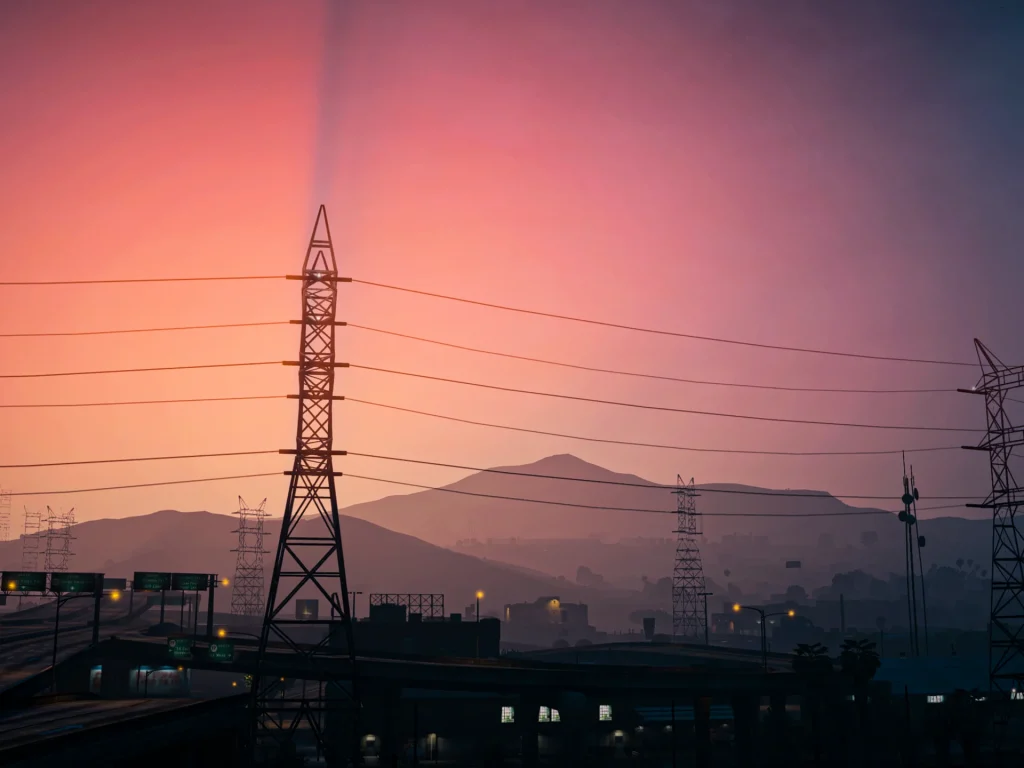
- Epic Skies & Volumetric Clouds: The cloud system is out of this world: depth, three-dimensionality, sunrises and sunsets.
- Cinematic Camera Effects: Raindrops on the lens during storms, killer lens flares from headlights and streetlamps, and other post-processing layers add even more depth.
- ENB & ReShade Ready: Built to pair with high-end ENBSeries, allowing for ambient occlusion and global illumination.
Head-to-Head: VisualV vs. QuantV
Choosing between the two comes down to your priorities: a refined OG experience or a cinematic. VisualV is your “vanilla plus” route, refined yet recognizable as Rockstar; QuantV is a go-to if you want pure cinema on screen. Of course, hardware is among the main considerations, especially given current GPU prices, which may push you toward a less resource-heavy mod. Here’s what to expect:
| Feature | VisualV | QuantV |
| Vibe | Natural & Clear | Cinematic & Dramatic |
| Goal | Stability & “Vanilla+” | Photorealism & Effects |
| Lightning | Balanced & Realistic | High-Contrast Drama & HDR |
| Reflections | Solid Upgrade | Ultra-Realistic SSR |
| Water Physics | Polished | High-Res Shaders |
| FiveM | Server-Friendly | Better for Beefy PCs |
| Best For | Everyday Play, Longevity | Stellar Screenshots, Content Creation |
Performance & FPS Breakdown
Realistic visuals aside, performance remains the deciding factor for most GTA V players, especially on FiveM where server-side scripts are already pushing your CPU and RAM into overdrive.
In this scenario, VisualV is a pretty smooth operator. Since it’s a “data-only” mod (instead of slapping on heavy new shaders, the already existing stuff is just subtly tweaked), the impact on FPS is minimal to none. It suits mid-range setups; what’s even better, it can slightly improve overall smoothness. Overall, VisualV is a rock-solid low-maintenance option for mid-tier hardware.
In comparison, QuantV is all about high-maintenance: gorgeous to look at but very resource-intensive. To get those cinematic screenshots, you’ll need ENB and shaders enabled.
The trade-off is a noticeable performance hit (this can drop your frames by 20-40%), which won’t be a problem for a higher-tier PC, but mid-tier systems won’t handle it well. Those high-speed car races can turn into slow-mo sequences, so make sure that your hardware meets the recommendations.
| Condition | Default GTA 5 | VisualV | QuantV |
| Daytime City | 60 FPS | 58-60 FPS | 38-44 FPS |
| Nighttime (Rainy) | 55 FPS | 54-57 FPS | 28-34 FPS |
| Sunset Highway | 58 FPS | 57-59 FPS | 32-37 FPS |
| FiveM Roleplay | 50 FPS | 48-52 FPS | 25-30 FPS |
Ultimately, VisualV is a super-stable, mid-range friendly option, perfect for FiveM, offering a more refined GTA V version. QuantV is glorious to look at (the night sky especially can make you stop the car just to take it all in), but it demands a serious setup.
Level Up Your Game: Other Strong Contenders from ModsHub
While VisualV and QuantV are the undisputed classics, the GTA 5 modding scene never hits the brakes. Over the years, ModsHub has developed some graphics packs that cherry-pick the best traits from both worlds and fuse them into something even more refined. Options are endless, but here are the three main alternatives:
- Prismatic Vision. One of its most standout features is the advanced color grading, which makes every hour of the day look distinct, delivering golden mornings, moody afternoons, and electric evenings. Why pick it? In addition to top-tier lighting, expect an “ENB-Lite” experience with high-end reflections and vibes without QuantV maxing out your GPU and leveling your FPS.
- Iconic Visuals. Enjoying the night atmosphere of Los Santos? Iconic Visuals is a perfect mod, with a cold, cinematic atmosphere and icy-blue streetlights. One of the main reasons you should choose it is that this mod is highly optimized for FiveM: it comes with enough optimization to keep your FPS alive.
- Ray Fusion Remastered. The ultimate choice for anyone chasing high realism. Ray Fusion Remastered takes cues from titles like Forza Horizon, so expect high-definition reflections on every imaginable surface. Realism aside, picking this mod is also a good idea because it’s insanely compatible with other texture packs.
So, there you have it! Go for Prismatic Vision for light and balanced performance; pick Iconic Visuals if you’re a night-drive enthusiast; and choose Ray Fusion Remastered if you’re chasing that highly realistic texturing and seamless compatibility with other texture packs.
How to Install VisualV vs. QuantV: A Step-by-Step Guide
Before anything else, both mods require OpenIV and ScriptHookV to be installed. Make sure everything goes into the mods folder, and don’t cut corners during setup: a proper installation is key to smooth gameplay and crash-free sessions.
How to Install VisualV
- Download: Grab the package from a trustworthy source.
- OpenIV: Launch OpenIV and hit “Package Installer.”
- Select: Locate and click the .oiv file from the download.
- Install: Follow the prompts and install everything directly into the “mods” folder.
Let the installer wrap it up, launch the game, and enjoy your sharper Los Santos gameplay.
How to Install QuantV
- Download: QuantV is typically available via the developer’s Patreon; it’s safe and official, with no sketchy files involved.
- Base Files: Drop the core files directly into your main GTA V directory. This placement matters because it’s where the mod integrates with the game.
- OpenIV: Launch OpenIV and use the Package Installer to run the .oiv file.
- ENB Setup: Copy the ENB files into your game directory to enable advanced post-processing effects (reflections, lighting, etc.).
QuantV is harder to install, but the extra steps pay off in the form of more cinematic visuals.
Which Mod Works Better for FiveM?
Usually, VisualV. Most FiveM servers are already stuffed with custom assets and scripts that munch through your VRAM at record speed. Adding heavy mods on top often leads to texture loss, stuttering, and see-through objects. However, if you have a high-end rig and want to create cinematic content, QuantV is a no-brainer. The visual glow-up is absolutely unmatched.
So, What Should You Actually Do?
The VisualV vs. QuantV debate isn’t about which mod is objectively better but about what your PC can handle without crashing out. So, go for:
- VisualV: for stability, crisp visuals, and high FPS. Works on mid-tier PCs.
- QuantV: for jaw-dropping cinematics, unparalleled textures, and photorealistic reflections. Works on higher-tier PCs.
- ModsHub: for a fusion of friendly optimization with enhanced visuals. Works across mid to high-tier setups.
Wrapping up, Los Santos no longer feels stuck in 2013 with its trademark yellow hue and dated lighting. Modern mods have given GTA V a second life, pushing its visuals straight into 2026 territory. At the end of the day, whether you prefer the cinematic rainy streets of QuantV or the crisp and polished graphics of VisualV, both mods have injected serious new life into the decade-old legend.
